

How a Guest Finds Themselves in 5,000 Photos in 3 Seconds
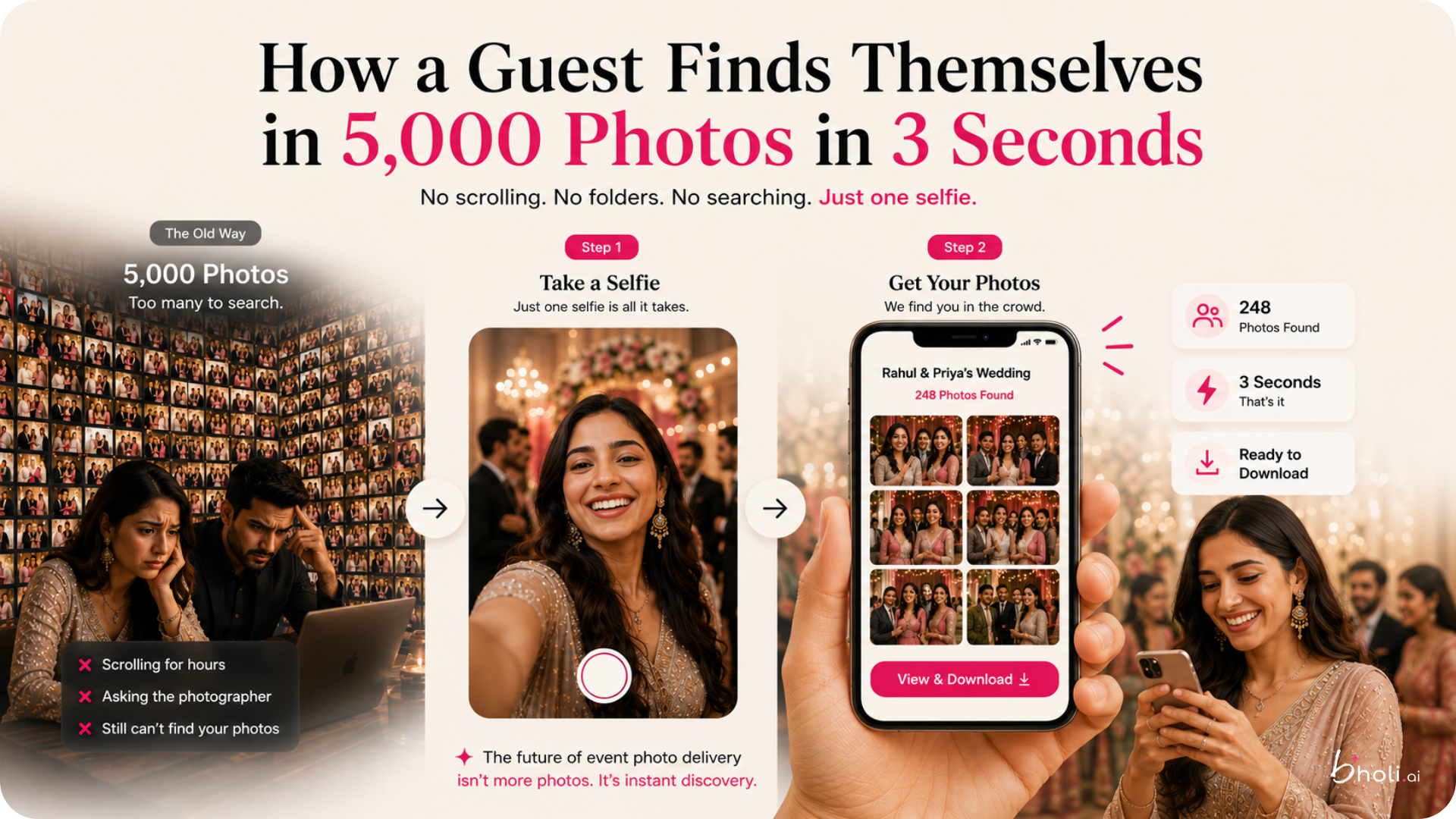
Let's start with the old way, because you've lived it.
You hand a wedding gallery to 600 guests. Every one of them wants the same thing - the handful of photos they're actually in - and every one of them has to find it the same way: scroll. Thumbnail after thumbnail, reception then haldi then candids, squinting at tiny faces, giving up somewhere around photo 300. Your best frame of them sits at photo 2,847, unseen.
Now the new way. A guest opens the gallery, takes a selfie, and three seconds later they're looking at every photo they're in. No scrolling. No folders. No "which album was the sangeet in?" Just - there I am.
That's the whole experience. But since "AI face search" sounds like a black box, here's what's actually happening under the hood - explained the way you'd explain it to a curious client, not an engineer.
What happens when photos go in
When you upload an event, the system looks at every photo and quietly notices the faces in it. For each face, it works out a kind of mathematical fingerprint - a set of numbers that describes that face's features. Not a name, not an identity. Just "this pattern of features appears here, and here, and here."
It does this for every face in every photo, in the background, while you get on with your life. By the time the gallery's ready, the event already knows which faces show up where - without you tagging a single thing.
What happens when a guest searches
The guest takes a selfie. The system works out that same kind of fingerprint for their face, then compares it against the faces already noticed in the event. Where the patterns match closely enough, those photos surface. Match found, photos shown, done - usually faster than it took you to read this sentence.
There's a sensitivity dial behind the scenes (how close a match has to be before it counts), so it can be tuned to lean cautious or generous. And it's surprisingly robust to real-event chaos - dim lighting, a face half-turned mid-laugh, sunglasses pushed up - though like anything, it's not magic, so it's worth seeing how it performs on your own typical shots rather than taking a headline number's word for it.
The bit photographers love: it sorts itself by person
Here's the part that saves you time rather than the guest.
Because the system has already noticed every face, it can group the whole event by person automatically. Open the gallery and you see a neat row of faces - each one a guest - and tap any of them to see every photo they appear in. No manual tagging, no dragging photos into folders, no spending your Sunday sorting.
For a wedding that's a nice convenience. For a marathon photographer with 15,000 photos and 5,000 runners, it's the difference between days of sorting and basically none. The grouping just appears.
Why this changes the whole feel of delivery
Step back and notice what's different. The old gallery made every guest do work - and most people, faced with work, simply don't. The photos existed; they just never got found. A photo nobody finds may as well not have been taken.
Find-yourself search flips that. The guest does almost nothing, sees themselves immediately, and that little jolt of recognition - oh, that's me, that's a good one - happens in the first few seconds instead of never. That's the moment people actually save the photo, send it to the group, post it. Discovery stops being a chore and becomes the best three seconds of the gallery.
Your job was always to capture the moment. This just makes sure the right person actually sees it.